Themes and plugins with one click
Inverys comes with one theme and the essential plugins. Whenever you need more, you’ll find it in the marketplace, either in the official catalog or from another source you trust.
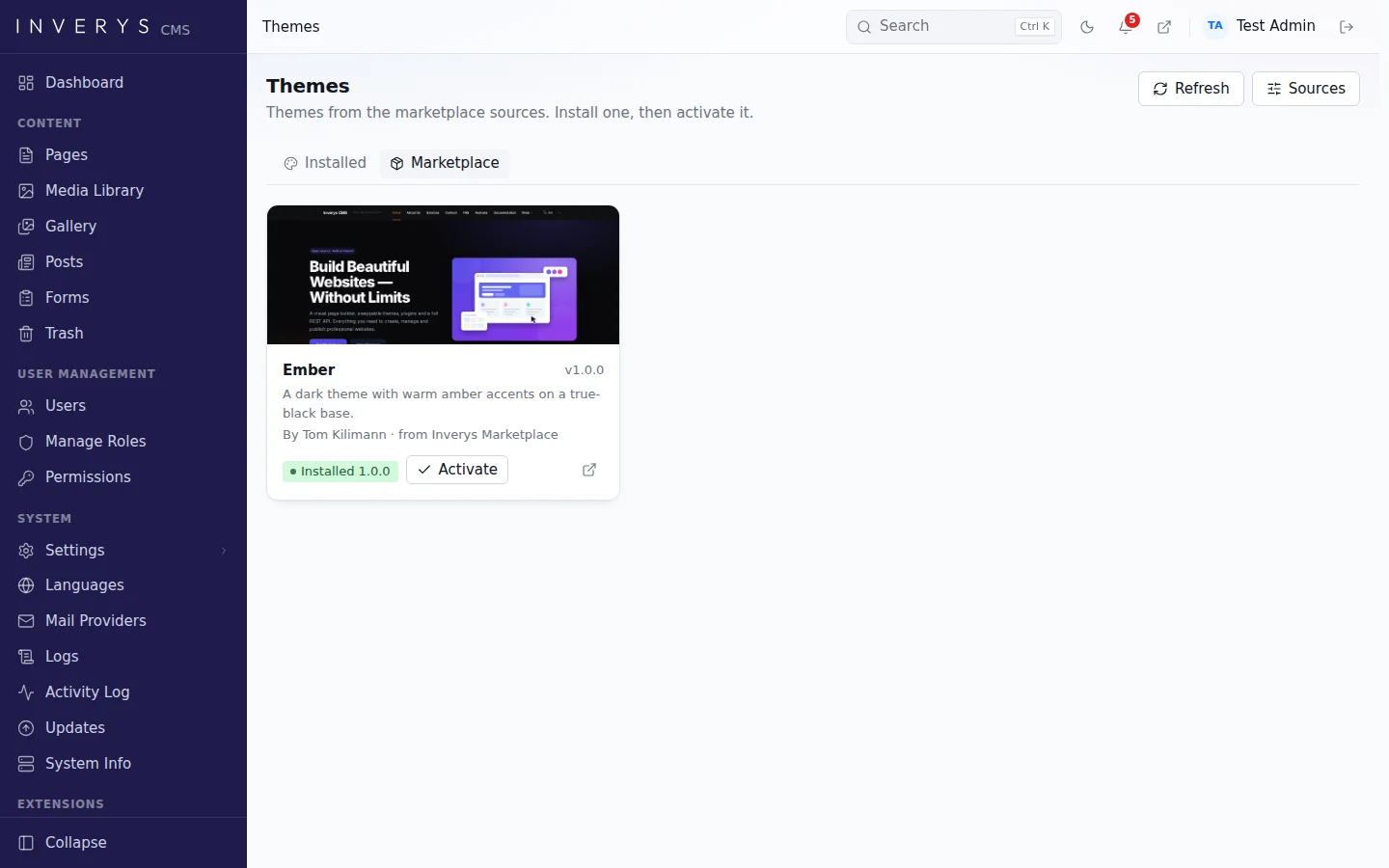
Installed in three steps
1. Choose
Each card shows a preview, the version, the author and where the package comes from.
2. Install
Inverys compares the download with its SHA-256 checksum. If they don’t match, nothing is installed.
3. Activate
Activate it with one click. Updates arrive the same way later on.
In the official catalog
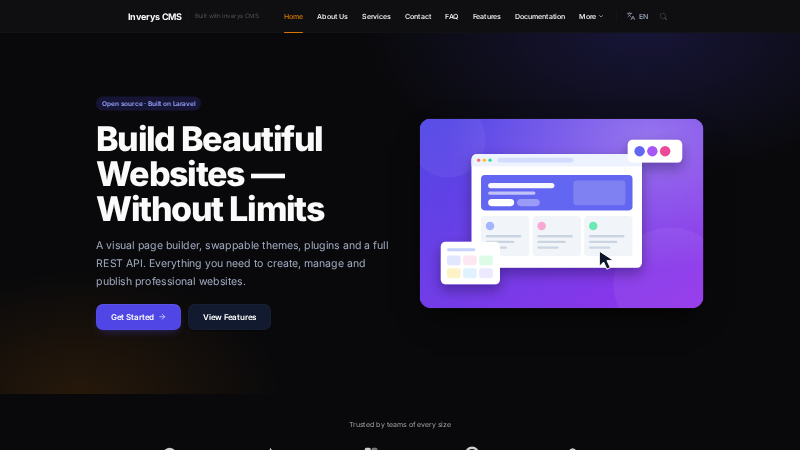
Ember
A dark theme with amber accents on a deep black background. Fast, and a good starting point for a theme of your own.

Announcement Bar
Shows news or offers in a bar at the top or bottom of every page, with your own colours, a link, a close button and translations.
Your own marketplace in a single file
A marketplace is a JSON file on any web server. It lists each package with its version, download address and checksum. Administrators add the file’s address as a source in the settings, and its packages appear in the marketplace.
- Downloads only over https and from public servers
- Servers in a company network can be allowed explicitly
- A permission decides who may install packages
{
    "schema": 1,
    "name": "Acme Marketplace",
    "packages": [{
        "type": "theme",
        "slug": "acme",
        "name": "Acme",
        "version": "1.0.0",
        "download": "https://example.com/acme-1.0.0.zip",
        "sha256": "5f2b…"
    }]
}
Have you built a theme or plugin?
Get in touch if you’d like it to appear in the official catalog.